

premium ULTIMATE
Exploring qibb’s API References
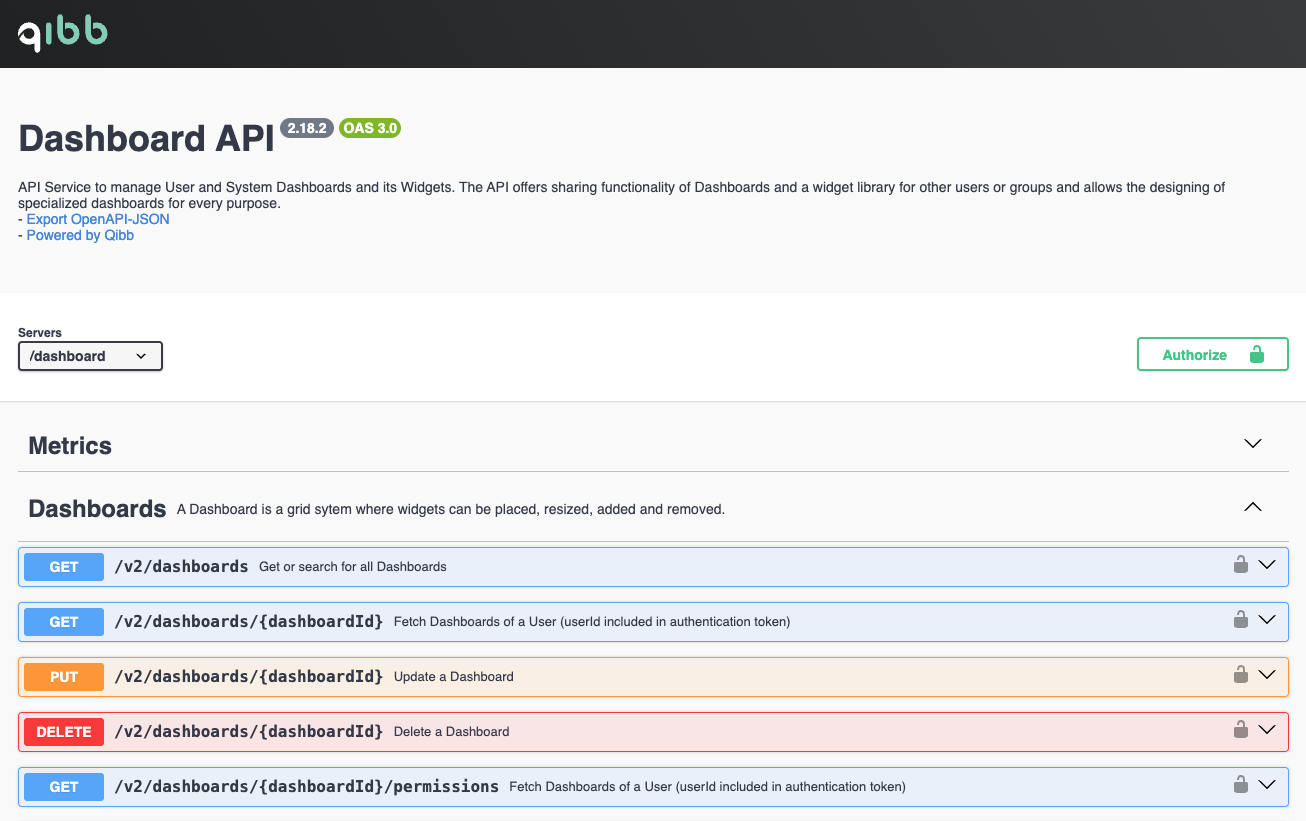
The qibb platform consists of multiple backend API services. Each service provides an API reference accessible via the built-in API Explorer (Swagger UI). Visit the URLs in the table below to access the API directly from your browser. Each API service is accessible under the following URL pattern: https://api.<ENVIRONMENT>.qibb.com/<API-SERVICE>/
Custom platform domains
The URL examples given on this page use multi-tenant SaaS environments hosted on the qibb.com domain. However, depending on the subscription tier and delivery model (multi-tenant SaaS, single-tenant SaaS, or PaaS), your platform is hosted on a custom domain or subdomain.
Adjust the domain in the URLs given below accordingly to match your environment.
API References
|
Service |
Description |
API Explorer URL |
OIDC Client |
|---|---|---|---|
|
Portal API |
Backend platform service for managing apps and spaces. |
|
|
|
Secret Manager API |
Backend platform service for managing space secrets. |
|
|
|
Dashboard API |
Backend platform service for managing custom dashboards. |
|
|
|
Flow Management API |
Backend platform service for reading and managing low-code flow and job-related data. |
|
|
|
IAM/IM API |
Backend platform services for managing users, groups and roles. |
|
|
|
Cluster API |
Backend platform service for managing registered clusters. |
|
|
|
Deployment API |
Backend platform service for specifically adding, upgrading or deleting apps. |
|
|
|
App Catalog API |
Backend platform service for storing app deployment templates. |
|
|
|
Log API |
Backend platform service for searching and browsing app log history. |
|
|
|
Run API |
Backend platform service for searching and browsing app run history. |
|
|
|
Copilot API |
Backend platform service for conversational AI assistant. |
|
|
Deprecated Endpoints & Deactivated API features
Note that API references may include deprecated or recently removed endpoints, which are labelled accordingly, see API Policy. If multiple versions of the same endpoint exist, it is highly recommended to use the latest version. Additionally, some features or API endpoints may be inaccessible or deactivated depending on your environment subscription or security configuration.