

Standard Premium ULTIMATE
The Flows page lists all the flows that a user has access to in a compact layout. A compact view displays each entry as a tile with the most important metadata. Each flow card displays name, included nodes or first tag of the node.
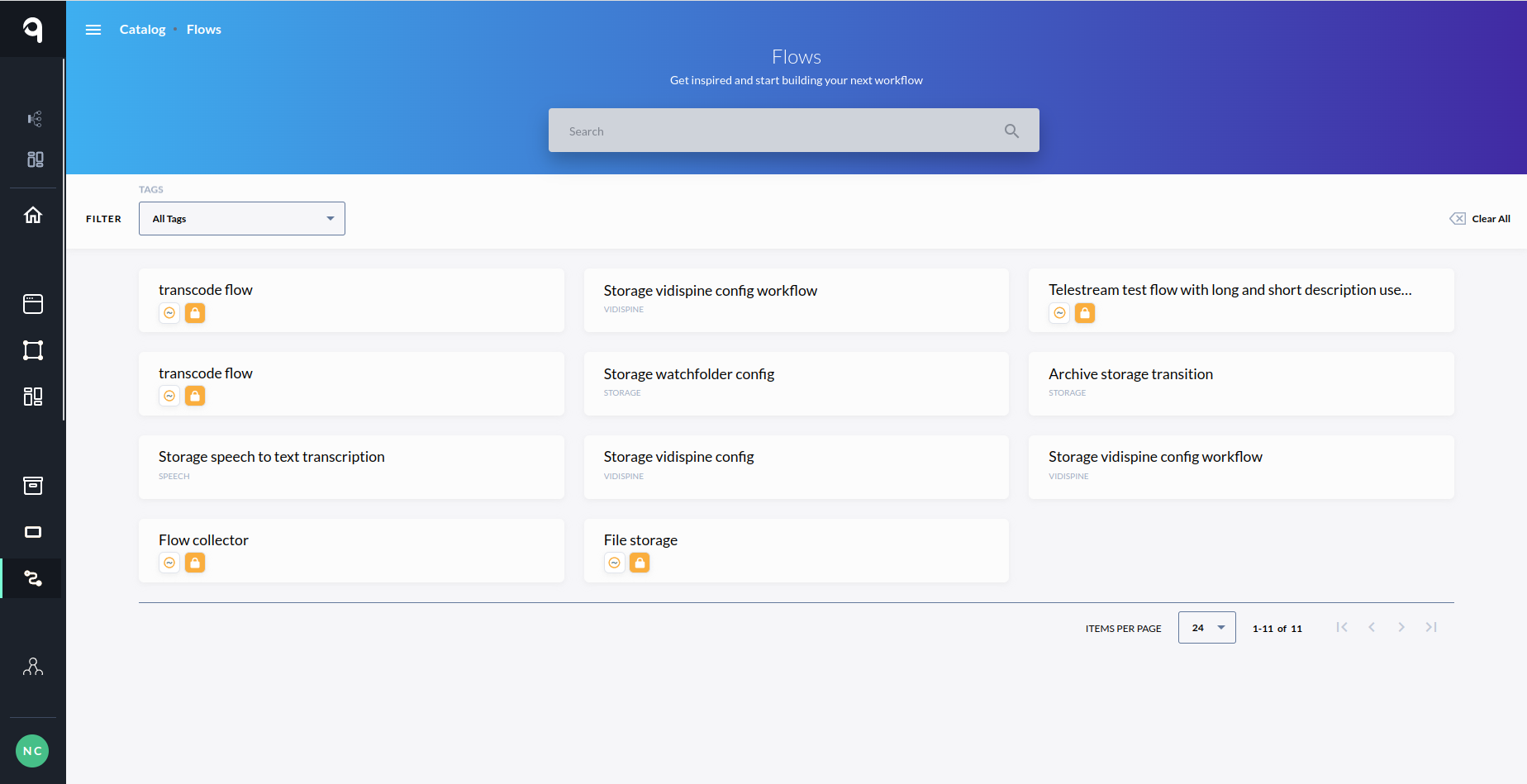
Filters
The flows page offers the possibility to filter by search keyword and by tags.
-
Search by keyword works like any other search functionality it only matches the exact keywords.

Browsing Flows - Filter by Keyword
-
Filter by tags shows the first five tags as a dropdown and gives a possibility to search other tags by name.
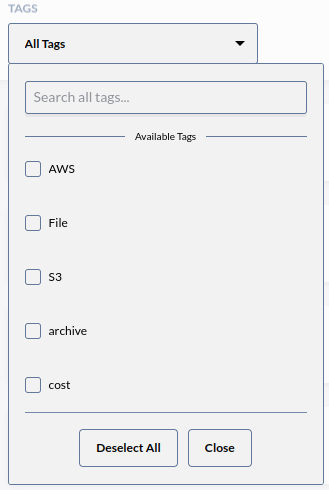
Browsing Flows - Filter by Tags
-
It allows filtering based on a single tag or multiple tags.
-
The result will only include the nodes of the matched tags.
-
The "Clear All" button can be used to delete all applied filters
Next Steps
As a next step, you may want to see Flow Overview.