

ULTIMATE
The process below is performed solely by qibb’s DevSecOps & Support team.
Cluster details can be edited after a cluster setup.
Follow these steps to edit the cluster details:
-
Navigate to Infrastructure → Clusters
-
Select the cluster you want to edit
-
In the overview of the selected cluster, select the Edit details button
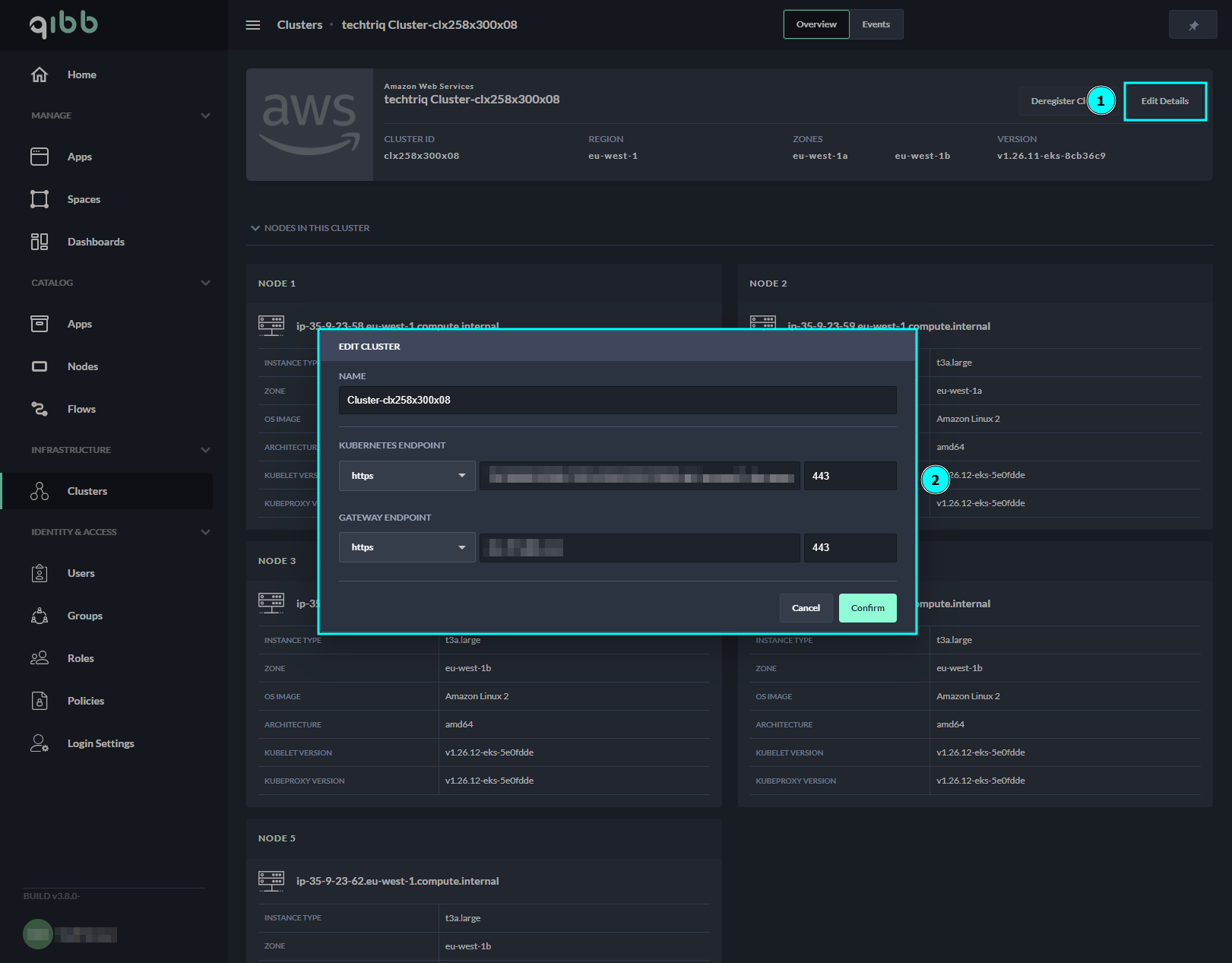
Edit Cluster Wizard
-
Enter the new name or endpoints in the corresponding fields.
The editing of the cluster details is completed and the changes will be applied as soon as you press the Confirm button.