

Widgets are items you can place on the dashboard grid. They can be freely moved and resized on the grid. Depending on the widget, you will have a variety of configuration options to control its content.
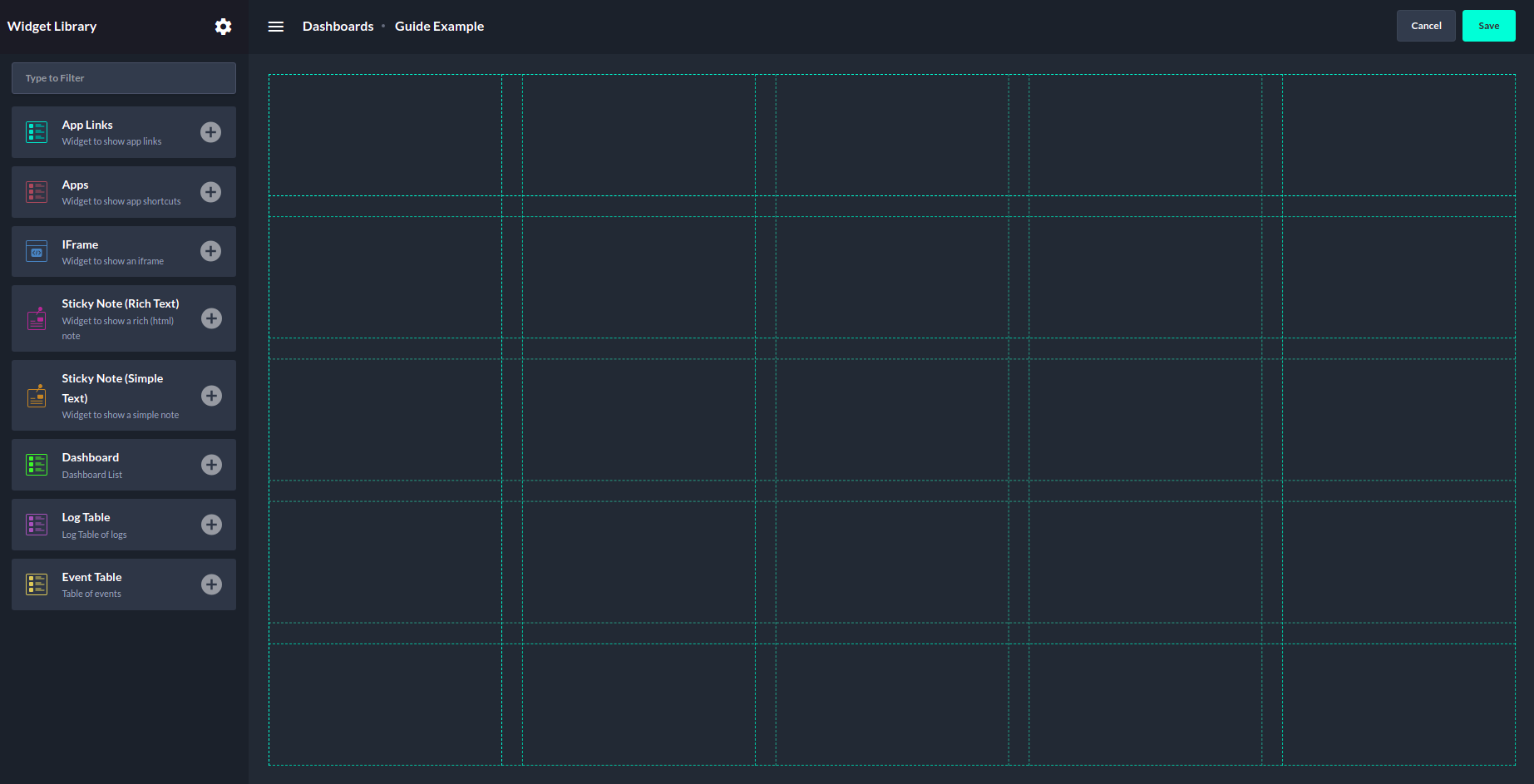
Adding widgets to the dashboard involves the following steps:
-
While viewing a dashboard, click on the Edit button in the top right corner to unveil the grid and widget library.
-
The widget library will be presented on the left side.
-
Click on the + Button of the widget you would like to add to the grid. The widget can additionally be dragged and dropped to the required position.
-
Fill in the required input to configure the widget.
-
Click on Confirm. The widget will appear on the grid.
-
Publish your changes made to the dashboard by clicking on Save in the top right corner.