

The "Copying a dashboard" option is available for users who have editor's rights or are the owner of the dashboard.
A duplicate of the dashboard with all widgets is created. A dialog is displayed with the options to update the dashboard name and description.
If the user has editor rights, copying the dashboard makes him the owner of the new dashboard.
-
Navigate to the dashboard.
-
Select the Meatball Menu in the top right corner.
-
Choose Copy from the dropdown.
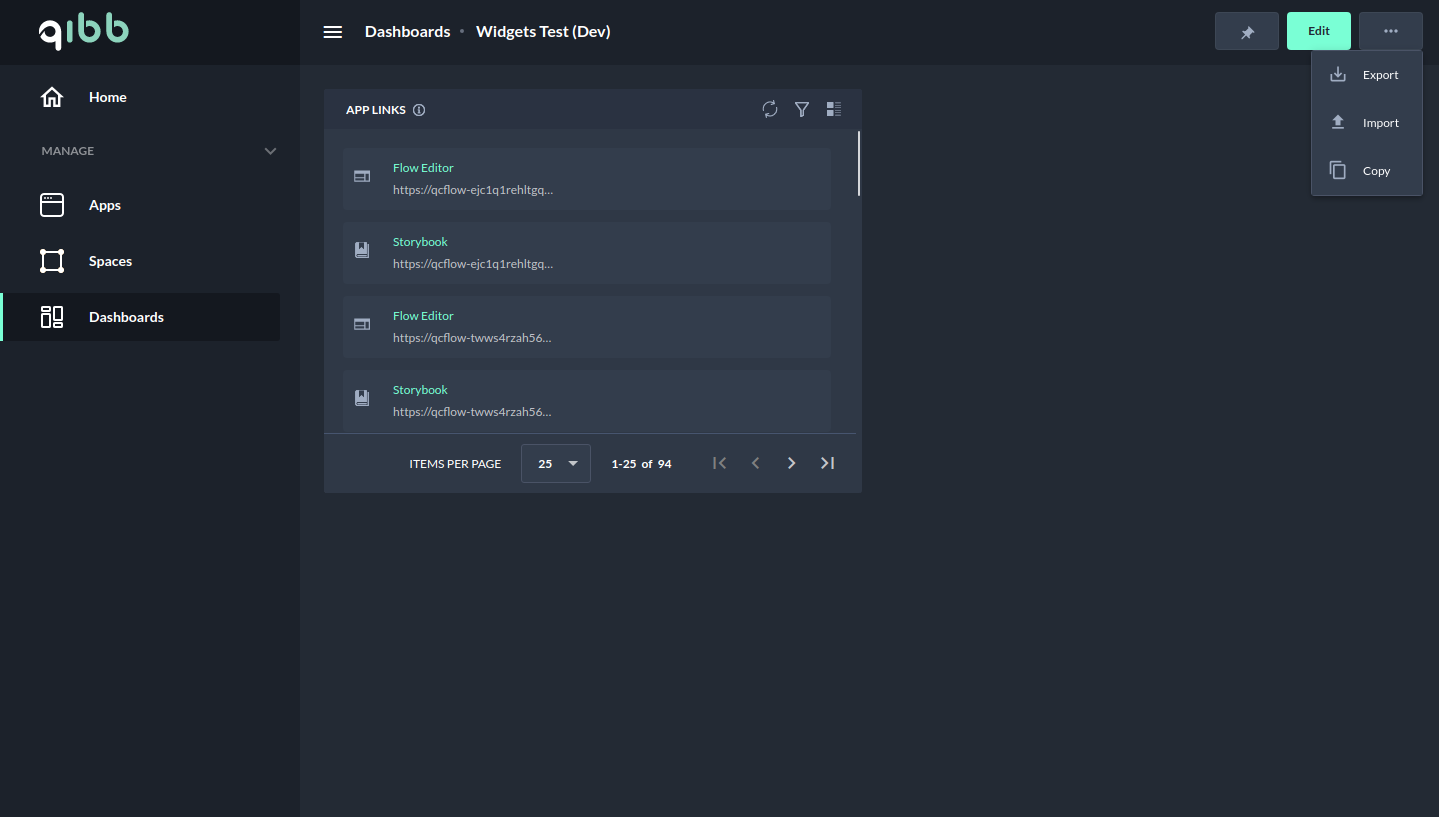
Copying a dashboard - Meatball Menu
-
Update the name and description of the dashboard and click Confirm.
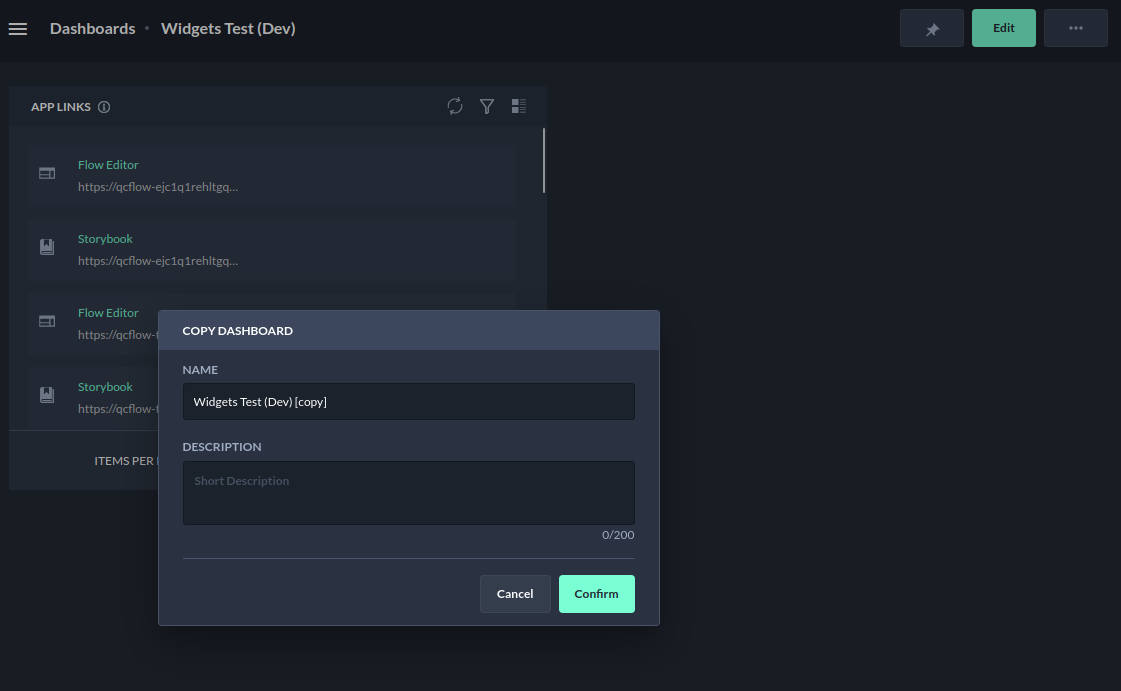
Copying a dashboard - Dialog box to adapt the name and description
-
A new dashboard has been created, then the user is automatically redirected to that dashboard.