

Editing details of an App requires the following steps:
-
Navigate to Apps in the navigation sidebar and locate the app you want to edit in the browse apps section.
-
Select the app and locate the ABOUT panel on the apps overview page.
-
Select the options icon on the top right corner of the ABOUT panel.
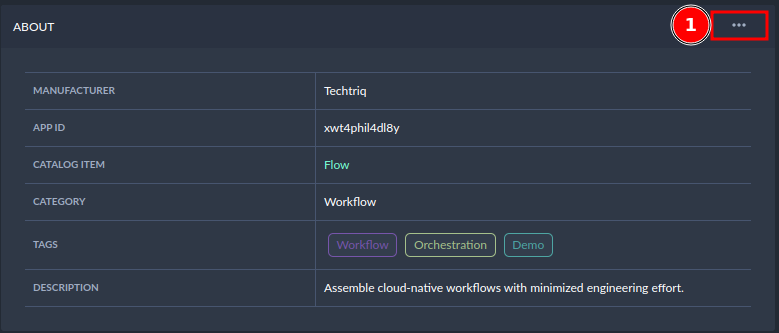
Locating the settings in the about tab -
Edit the app detail information via the popup window that opens afterward.
Here you can change the information about the app name, description, and tags according to your requirements.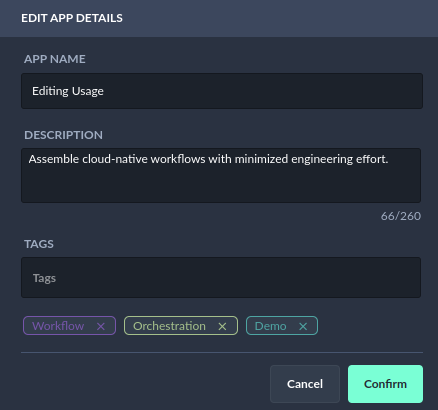
Editing details
-
Select the Confirm button to save the changes you have made.