

Introduction
MASV is the fastest way for media professionals to securely transfer large media files anywhere in the world. MASV is a cloud file transfer service that brings together size, speed, security, and stability into one, easy-to-use tool.
You can find more details and the supported operations on MASV | qibb Catalog.
How to get started with MASV integration
Before you get started using MASV integration please make sure that you have admin permission in your workspace.
-
You only need your MASV username and password pair to authenticate yourself.
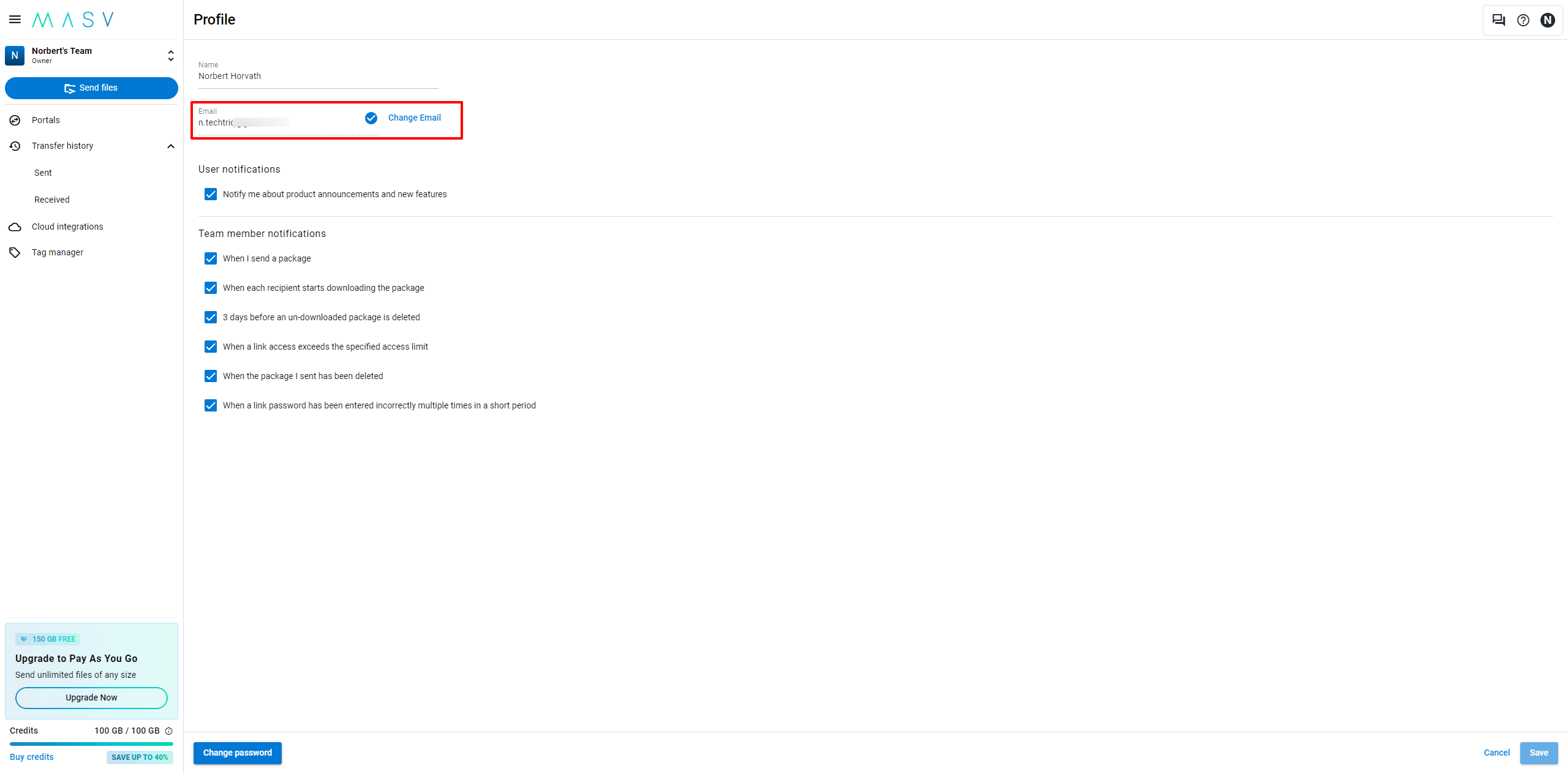
-
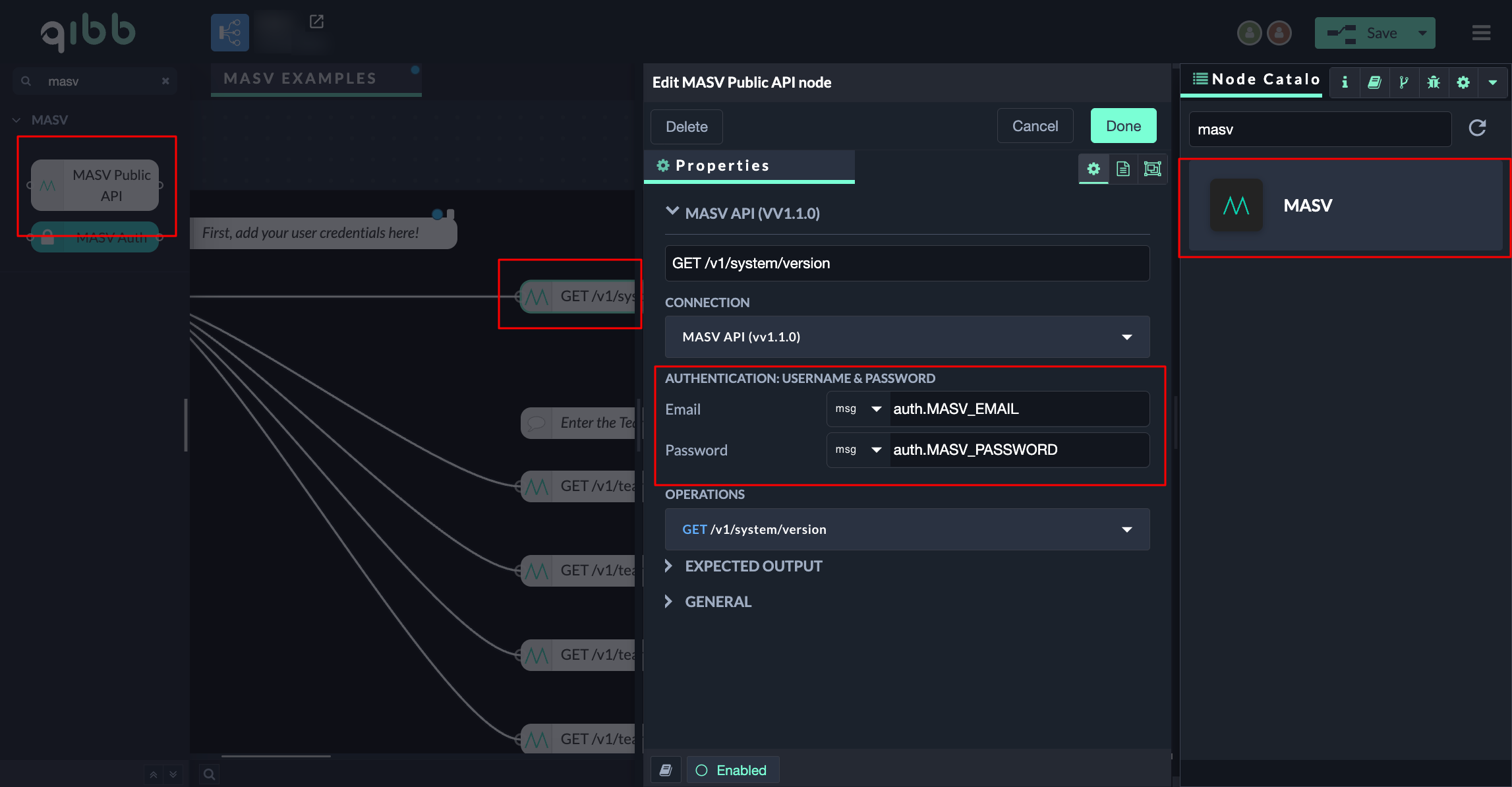
Go to qibb Workflow Editor, open Node Catalog in the right sidebar, and install MASV node by clicking on the + button.
-
Drag the MASV Public API node from the left sidebar into your flow and connect it.
-
Open the MASV Public API node, expand the connection dropdown (first dropdown), and enter your MASV credentials in the Email and Password fields in the connection settings. Select an operation in the MASV Public API node to start using the integration.
Importing flow examples of a node
Once you've successfully installed a node from the qibb catalog, you can easily import example flows that showcase how the nodes can be used. These example flows are directly accessible within the Flow Editor and are designed to guide users with helpful hints, including how to configure mandatory parameters and credentials.
Here's how to import examples:
-
In the top right corner of the Flow Editor, click on the menu icon.
-
Select Import to open the Import Dialog.
-
Click on the Examples tab.
-
Choose an example from the list.
-
Confirm your selection by clicking on the Import button.
By following these steps, you are now ready to make basic API calls using the provided examples. For further exploration of what’s possible, you can find more complex examples in the Flow Catalog.