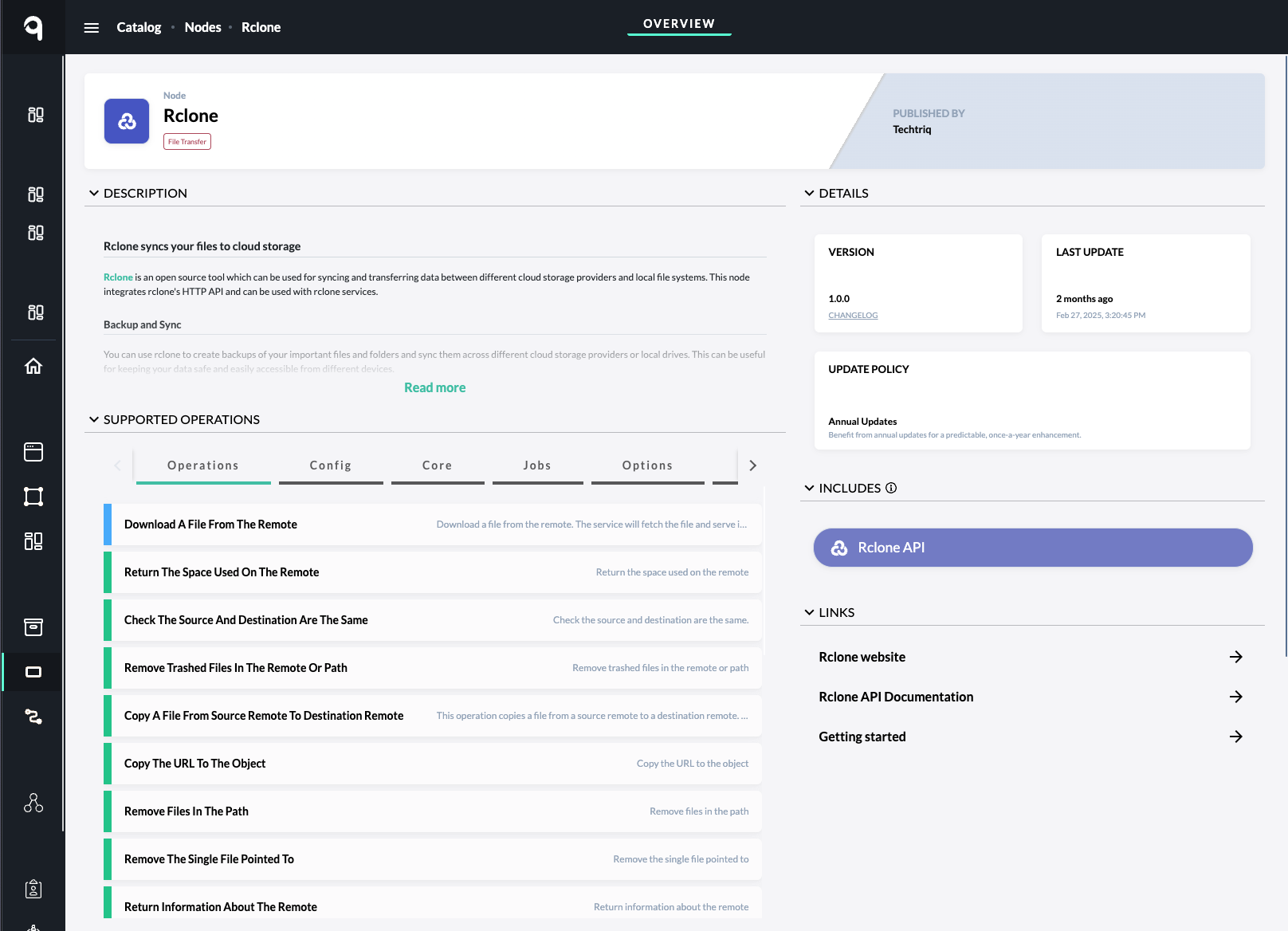
qibb supports workflow integrations with Rclone, which is a light-weight open source service for syncing and transferring files between different cloud storage providers, file servers and local file systems. In addition it supports several protocols, including S3, FTP, SFTP, HTTP/S, SMB and NFS. You can perform several operations programmatically via HTTPS requests from external services or directly from qibb Flows utilizing the Rclone Node.
If your are looking for other integrations specifically to file transfer and storage systems, head over to Nodes to see all available integrations.
Supported API Operations
The following operations are supported by qibb’s Rclone Node, leveraging Rclone’s Restful API. The given list of operations below is based on qibb’s Rclone Node version 1.0.0 as of .
Example API operations (See Rclone Node for a full list of operations):
-
File Operations:
-
Download: Fetch a file from the remote and return it in the response.
-
Upload: Upload files using multipart/form-data.
-
Copy/Move: Copy or move files between remotes or within a remote.
-
Remove: Delete single files, files in a path, or remove all files in a directory.
-
Public Link: Create or retrieve a public link for a file or folder.
-
Info: Get metadata and information about a file or directory.
-
-
Directory Operations:
-
List: List contents of a remote or directory in JSON.
-
Create: Make a new directory or container.
-
Remove: Remove directories (empty or with contents) or purge entire containers.
-
Sync: Synchronize directories between remotes, maintaining one as the source and updating the other.
-
-
Config Management:
-
Create/Delete Config: Add or remove remotes in the configuration file.
-
Update Config: Modify options for existing remotes, including password management.
-
List Configs: Retrieve all configured remotes or individual remote details.
-
Dump Config: Get the full configuration as JSON.
-
Provider Info: List all providers with their configuration options.
-
-
Statistical and Monitoring Operations:
-
Bandwidth: Set upload/download limits.
-
Stats: Get current, completed, or reset statistics for transfers.
-
Memory: Retrieve memory usage statistics.
-
Job Management: List, check status, or stop running jobs.
-
-
Remote Operations:
-
Space Usage: Return total, used, and free space for a remote.
-
Trashed Files: Remove trashed files or clean up old file versions.
-
Count: Count total bytes and number of files in a remote.
-
Global Options: Manage global configuration and options.
-
-
Synchronization and Advanced Operations:
-
Bisync: Perform bidirectional synchronization between two paths.
-
Directory Sync: Sync a source directory to match the destination, deleting or adding files as needed.
-
How to leverage the Rclone Node in your flows
Integrating a qibb flow with your Rclone instance is straight forward and described in Rclone Node Documentation.
-
Install and setup Rclone in your environment based on the official install guides. For production, we recommend a docker based setup. If you need help, we can provide you tailored guides with docker compose
-
Please ensure that Rclone is configured to expose it’s “RC” API (See the official documentation on https://rclone.org/rc/and has a configured username and password to authenticate API calls.
Example Flow Templates
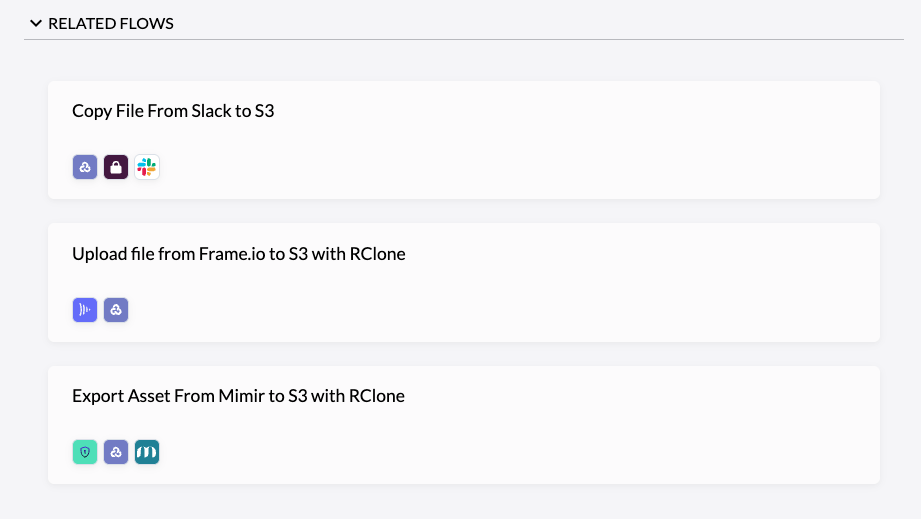
Example workflows with Rclone are available in the catalog of the qibb Portal. Those flows can be browsed and copied to your Flow Editor to easily get started. For example, the catalog contains the following flow templates and more:
-
Copy File From Slack to S3 using Rclone
-
Export Asset from Mimir to S3 using Rclone
-
Upload file from Frame.io to S3 using Rclone