

ULTIMATE
Assigning roles to a group requires the following steps:
-
Navigate to the Groups page.
-
Select the group name to which a role should be assigned.
-
Choose the Role Mappings tab from the top bar.
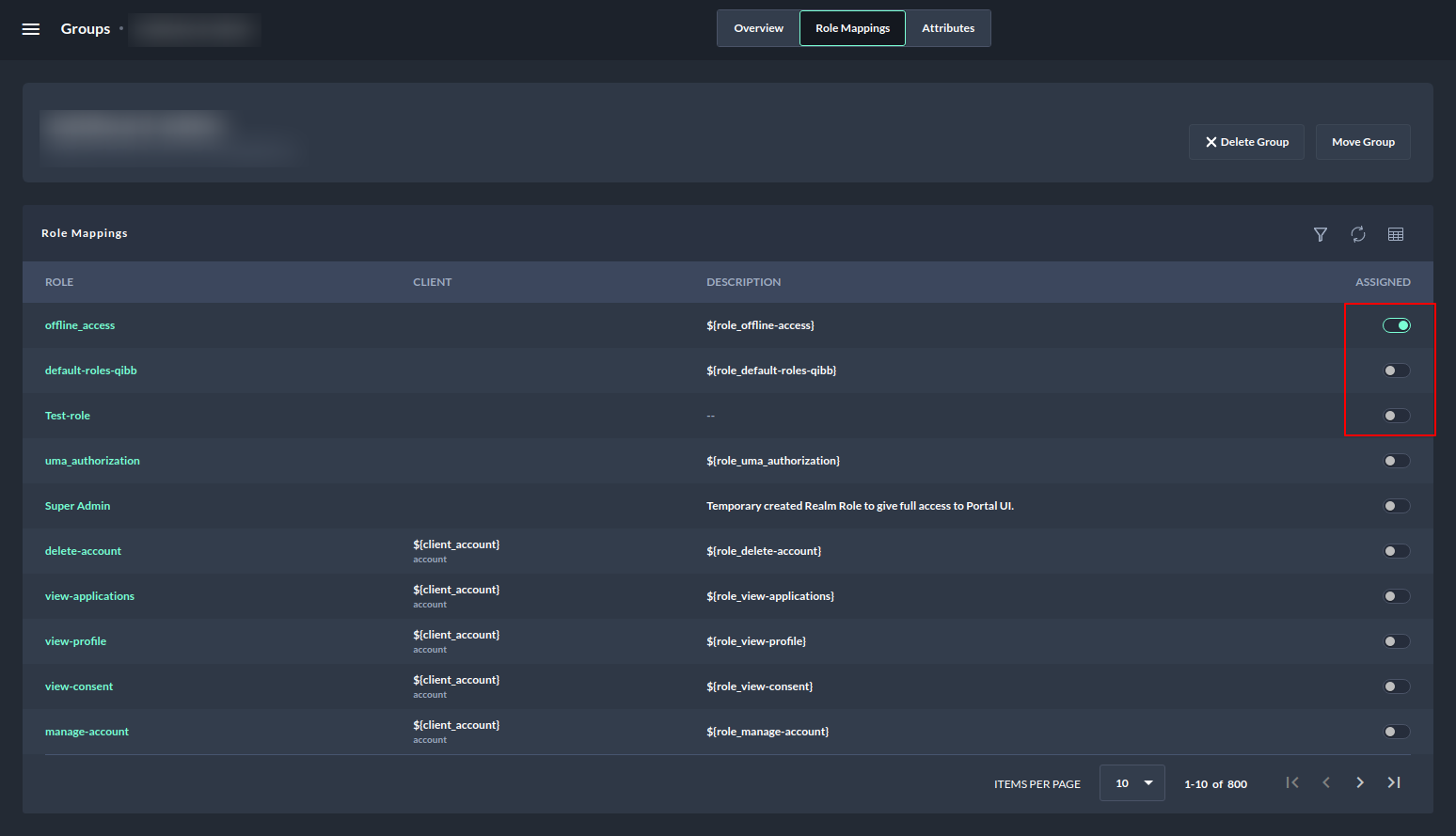
Assigning roles to a group - Remove and add a role by using the assigned toggle button -
Select the assigned toggle button under the assigned column to remove and add a role to the group.
To know how to navigate and browse through group role mappings follow:
Browsing group role mappings .