

ULTIMATE
The setting of the default role is provided by the Role overview page.
Setting a role as default by using the roles detail view
The steps are as follows:
-
Navigate to the Roles page.
-
Select the role which is not set as default yet.
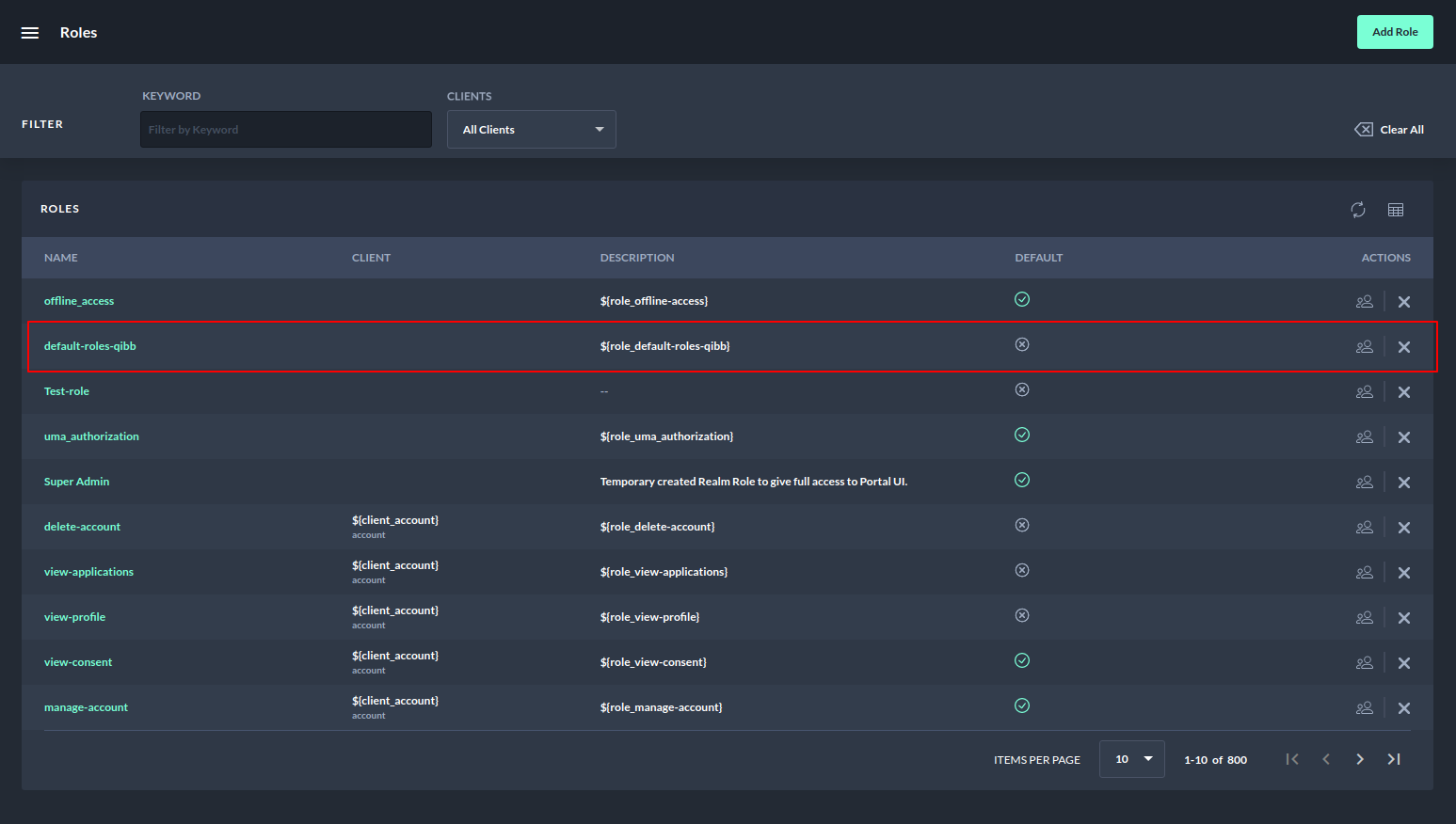
Setting a role as default - Roles overview page
3. Navigate to the roles detail page.
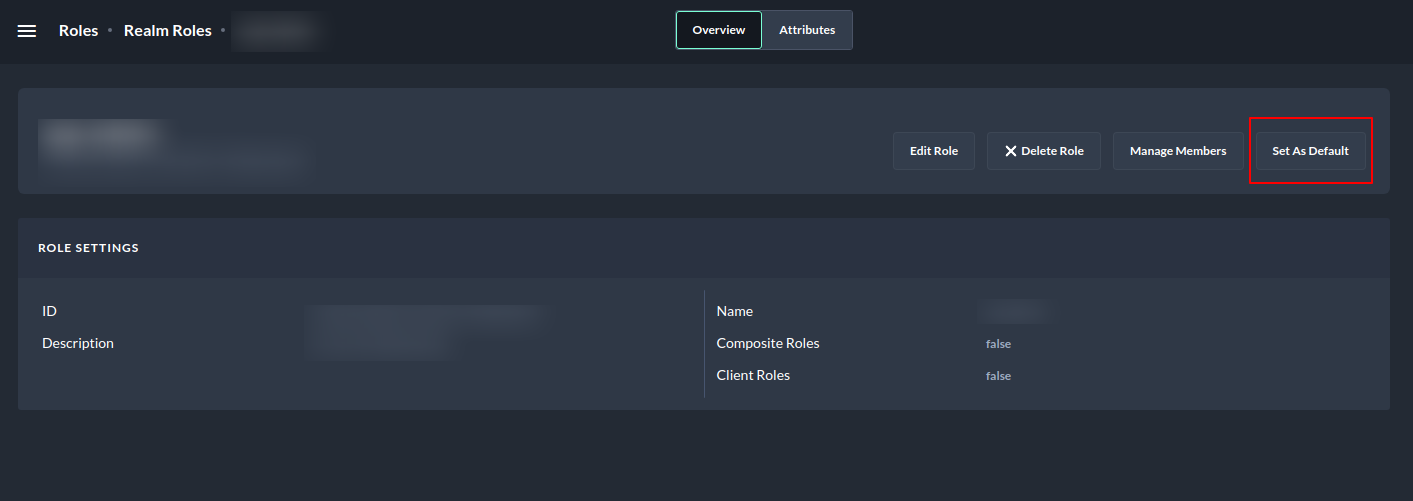
4. Select the Set As Default button in the top right corner.
5. A confirmation dialog will appear.
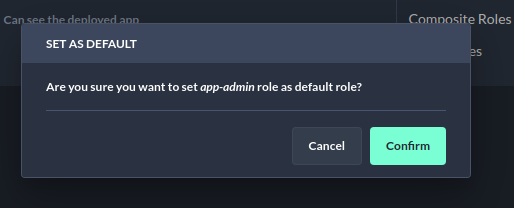
6. Select the Confirm button.
After that, the view will refresh, and the Remove from Default button should be shown instead of Set As Default.
Similarly, removing from default functionality can be used to remove a role as the default.