

ULTIMATE
Creating a new user requires the following steps:
-
Navigate to the Users page.
-
Select the Add User button in the top right corner.
-
Fill in the required input into the form, such as Username, Email, First name, and Last name.
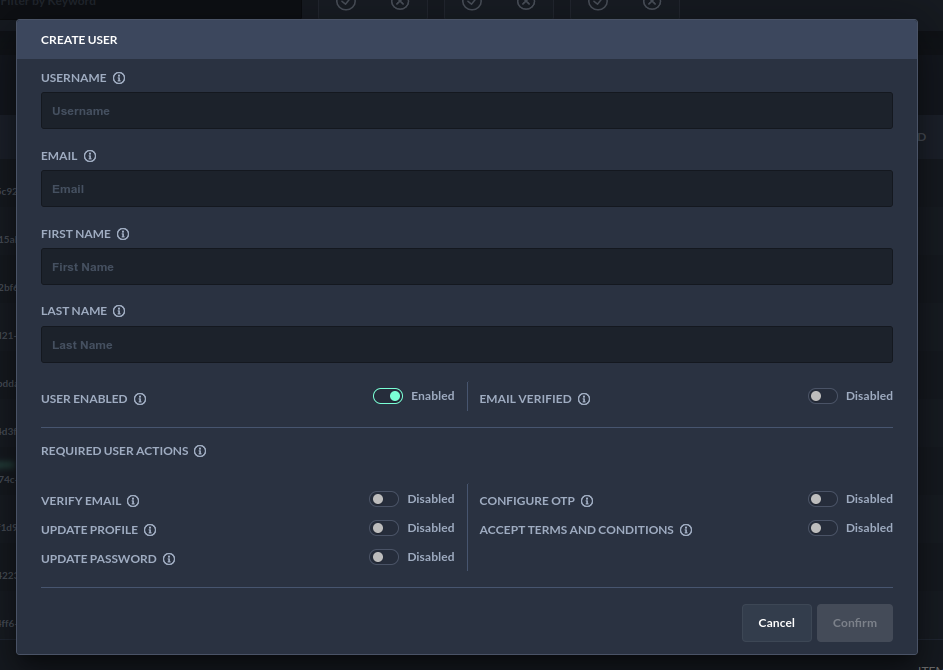
Creating a User - Form to create a user
-
Choose Confirm. The view will refresh the list of users and has a new entry.
Next Steps
The next step can be to Browse users as well as Set a password for the user.