ULTIMATE
A session refers to the activity that a user with a unique IP address spends in an application during a specified time. It is several interactions of the user with the application within the Platform, which are logged by qibb.
To look up user sessions, proceed as follows:
-
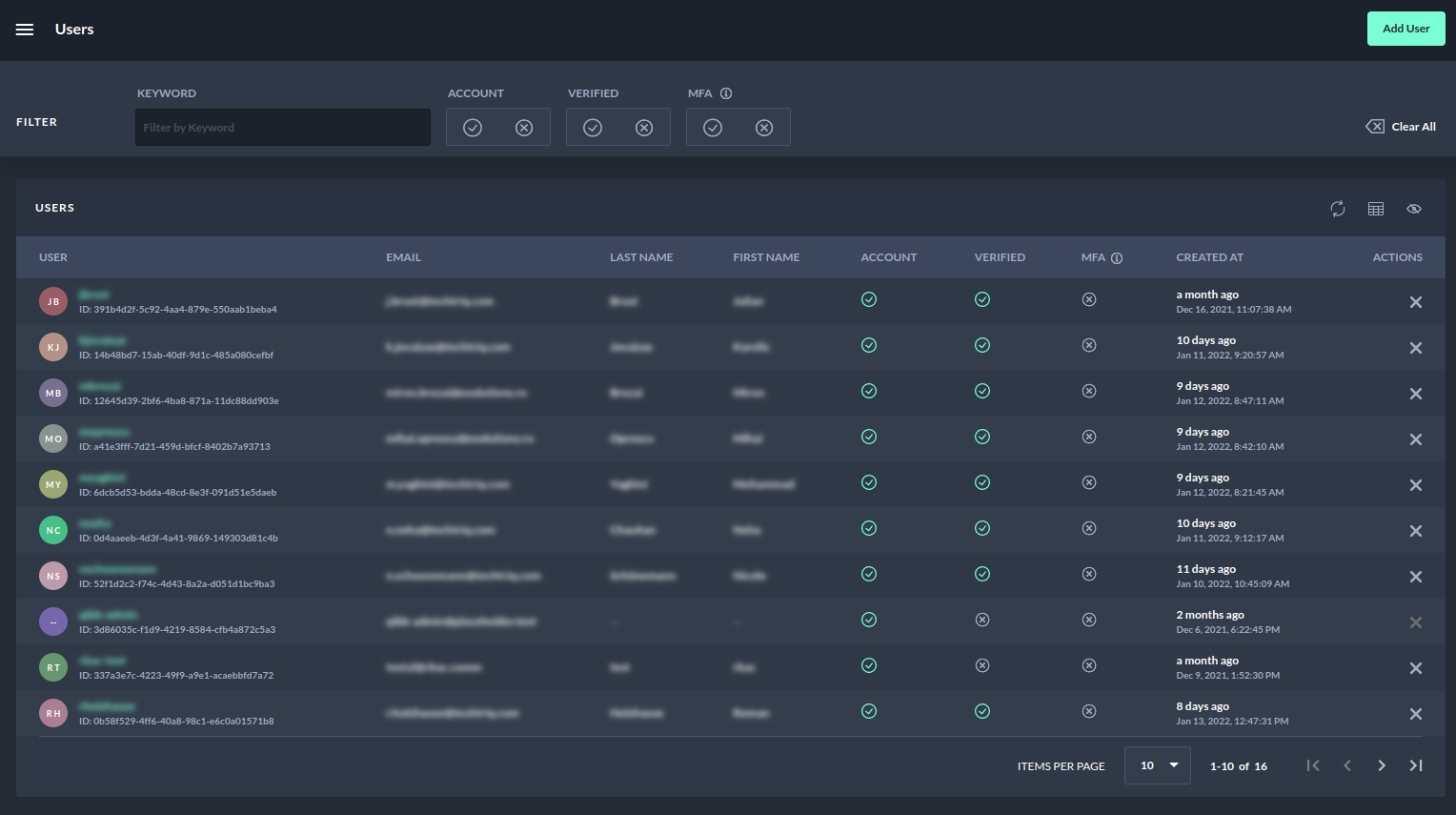
Navigate to the Users page.
-
Select the user whose sessions you want to look up.
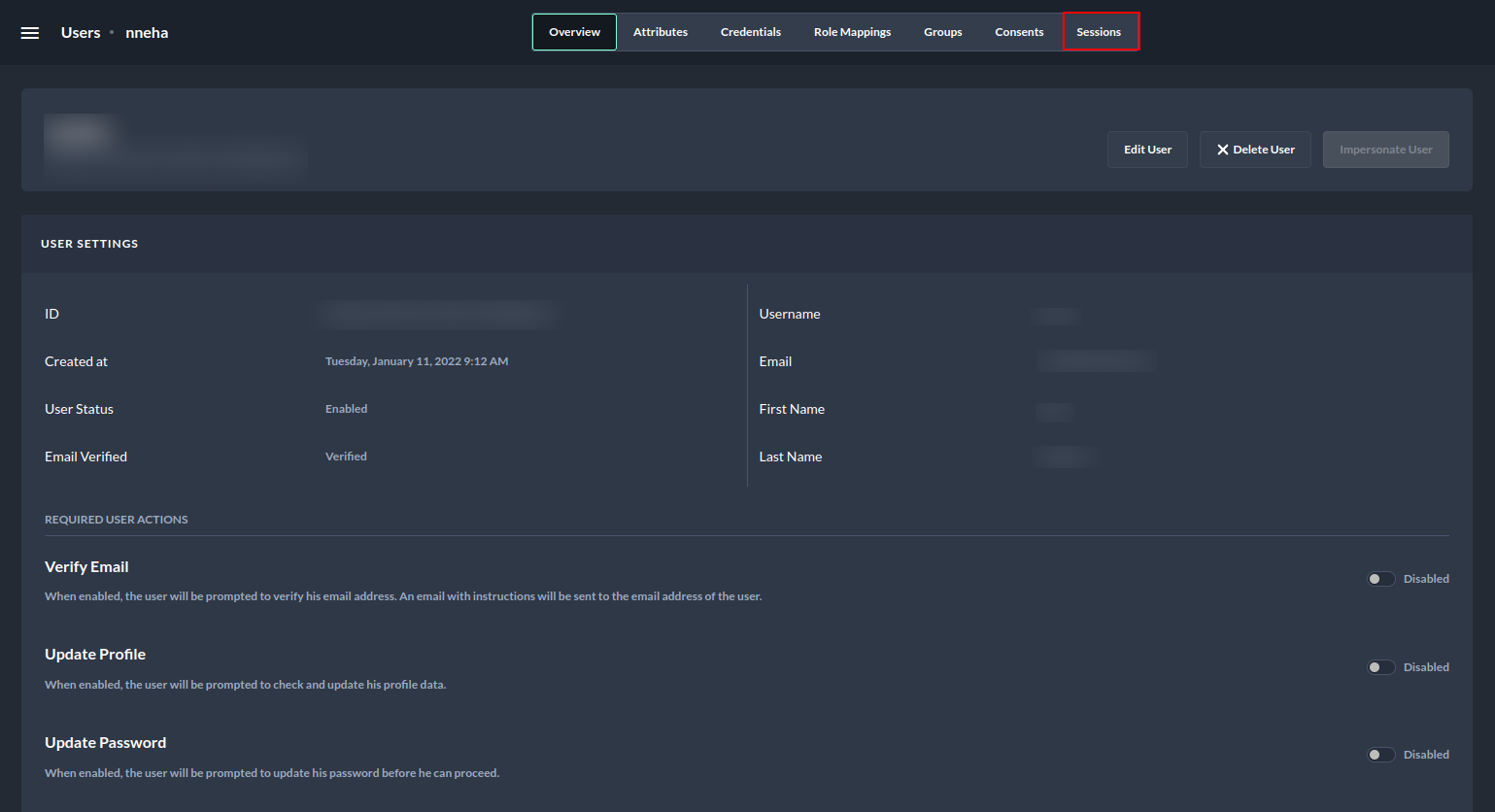
3. Navigate to the User detail page and select the Sessions tab.
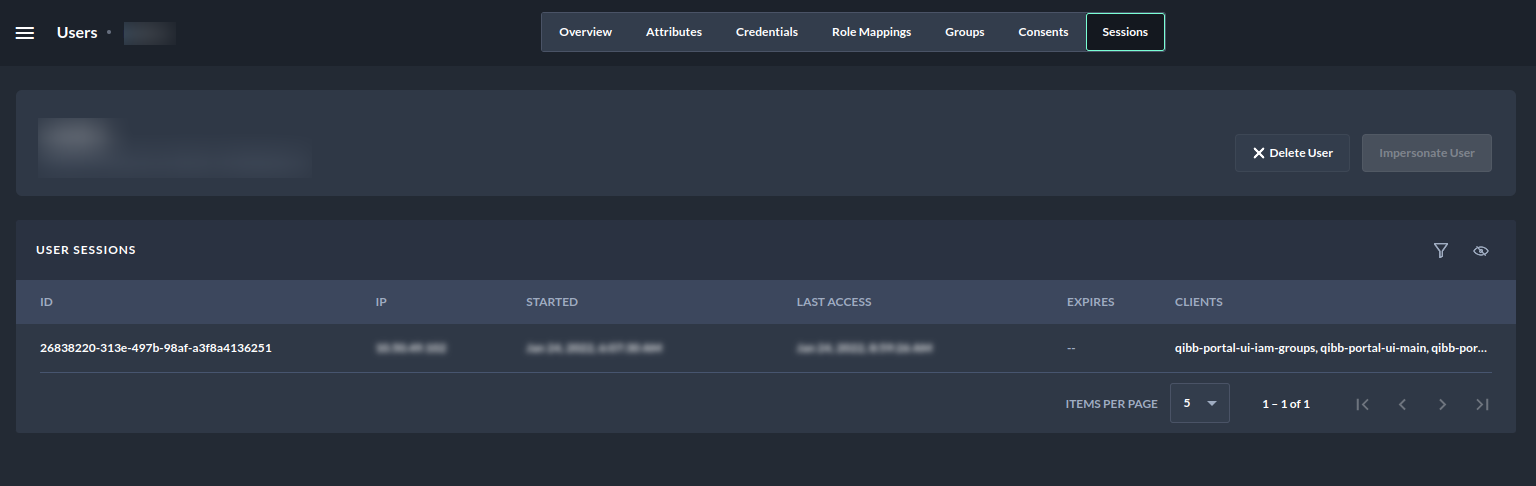
The following table shows a user session example: