

ULTIMATE
Required actions can be enabled or disabled from the user's detail view.
Enabling or disabling required actions from user detail view
The steps are as follows:
-
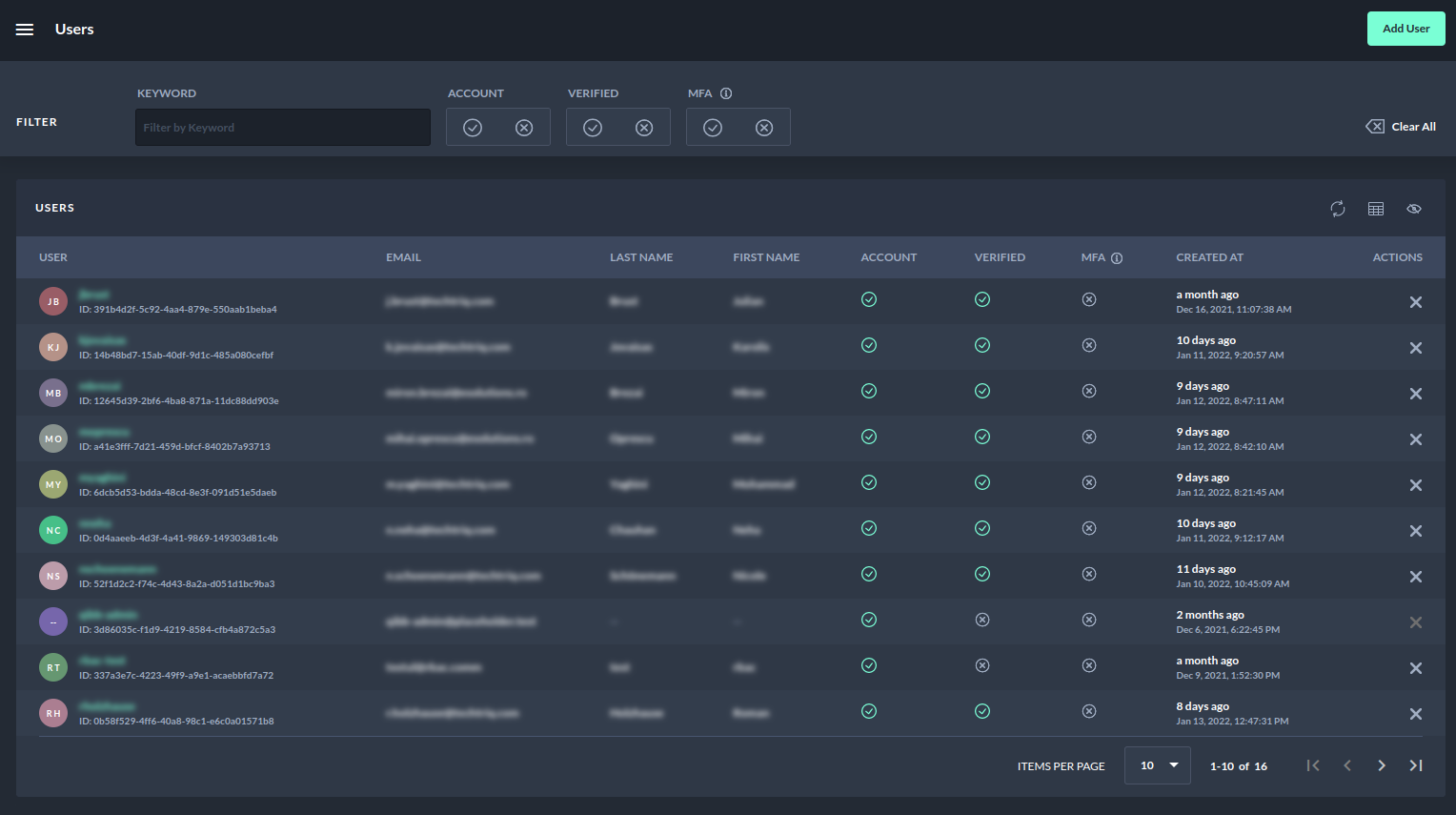
Navigate to the Users page.
-
Select a user you want to enable for the required actions.
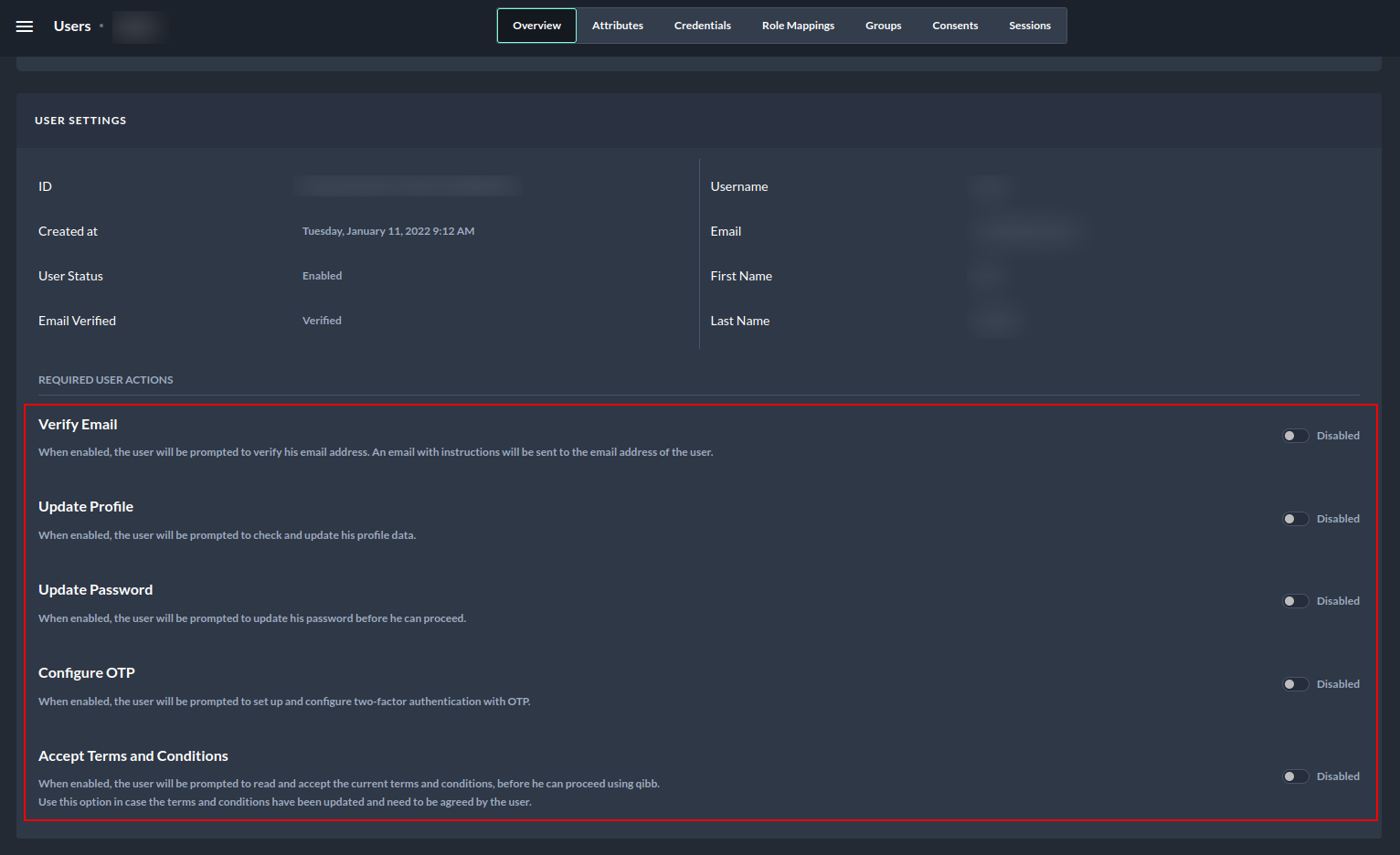
3. Navigate to the User detail page.
-
If any of the required actions from the highlighted red box is enabled, the user will be prompted to perform the enabled action during login.
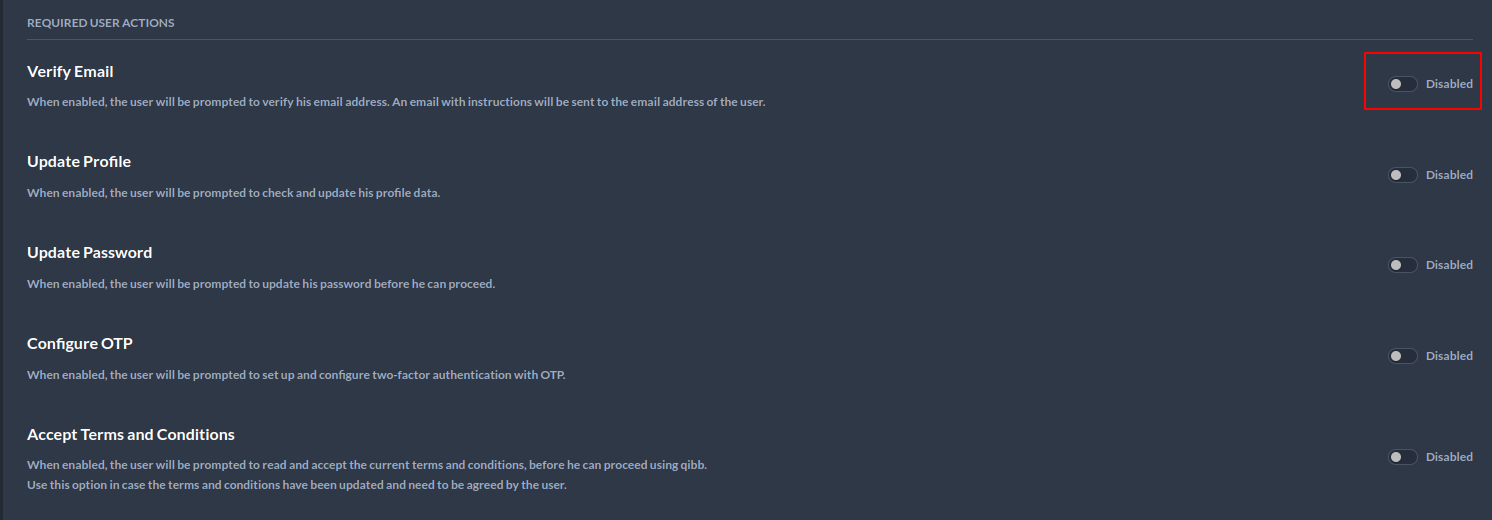
4. Toggle the button on the right to enable or disable the action the user must perform when logging in. The default setting is Disabled.
5. After enabling the Verify Email, user will receive the following email:
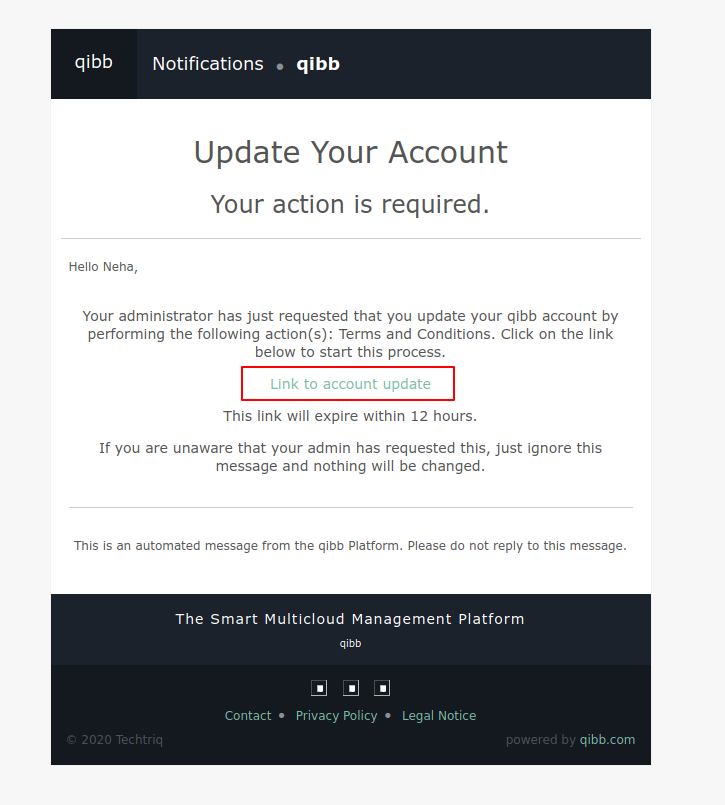
6. After selecting Link to account update the following page will appear.

7. After selecting click here to proceed your account should be updated.
Similarly, all other required actions can be enabled or disabled in the user's detail view.